SafeScan · GROUP CCO | How it works · Pricing & FAQ · Start trial →
THE SAFESCAN PRODUCT TOUR
A simpler rhythm for every round.
Document the check, keep the context, and prepare for the next shift—all within your facility’s workspace.
01 / START THE SHIFT
Know where to begin.
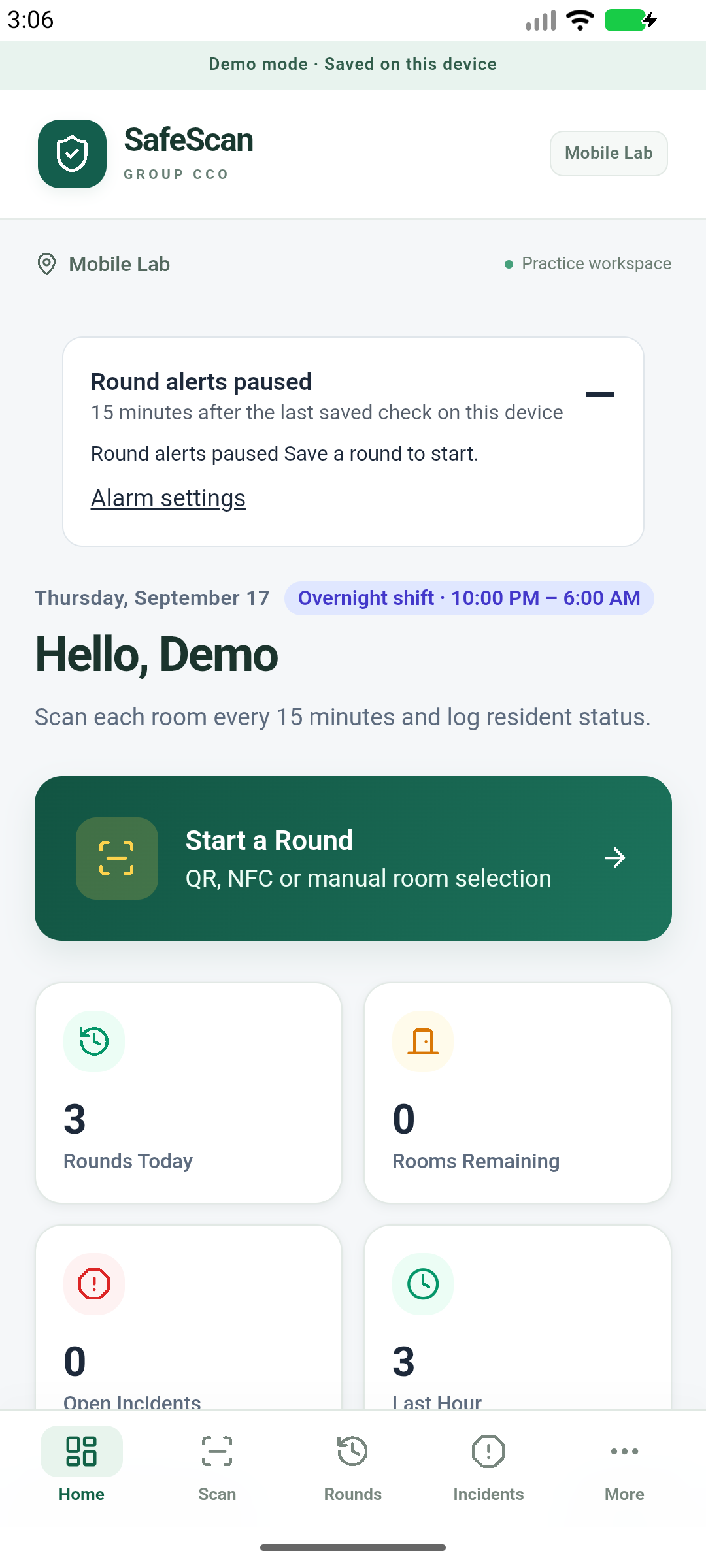
The dashboard brings round activity and key actions together. Staff can start a room check, review recent activity, and navigate to the records they need.
For the team: a consistent place to begin.
For the manager: clearer access to documented work.
02 / CHECK THE ROOM
Scan. Observe. Save.
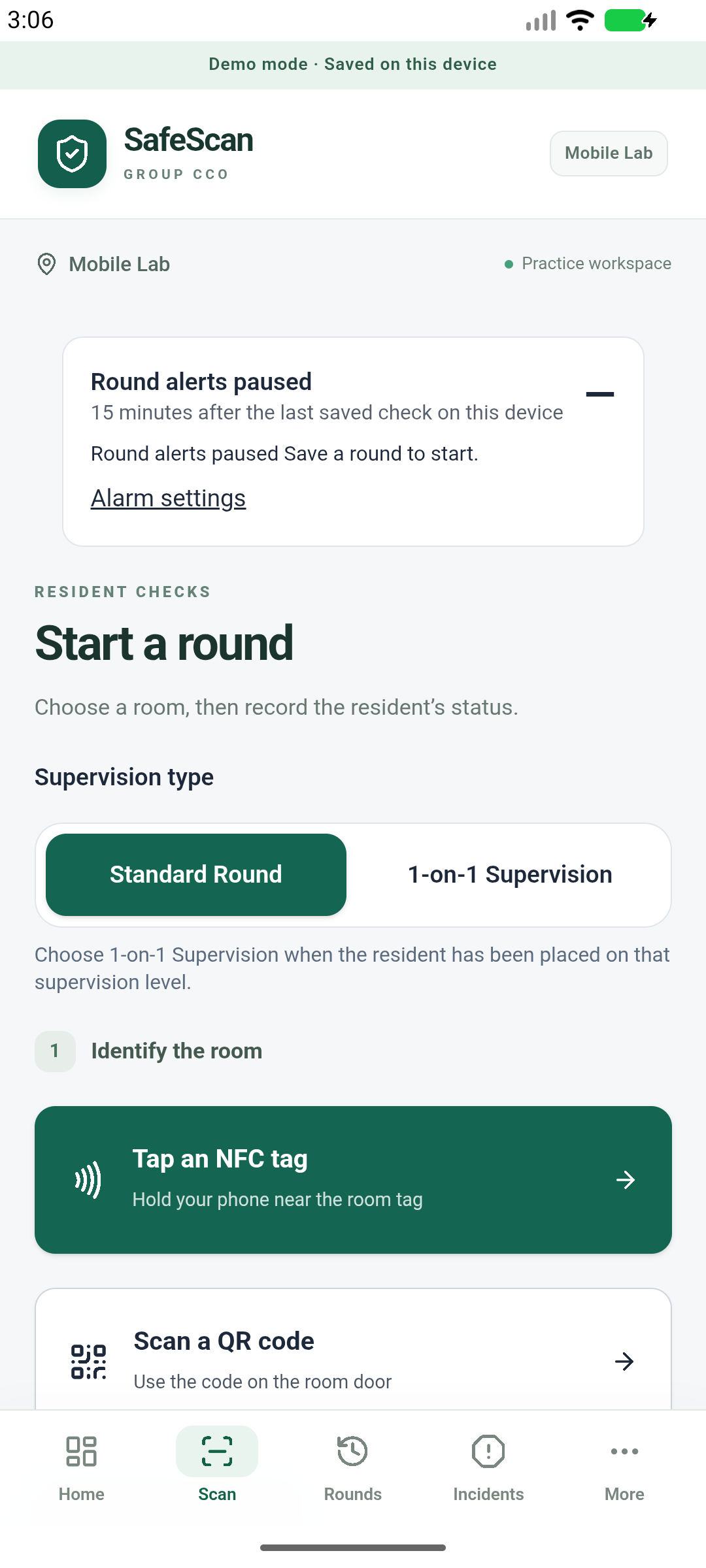
Use the camera to scan a configured room QR code, or tap a compatible NFC tag. Record the observation and save the round in the correct facility workspace.
QR scanning needs camera permission. NFC needs a compatible device and configured tags. Staff must still complete the actual check and follow facility procedures.
03 / REVIEW THE DETAILS
Turn recorded rounds into useful reports.
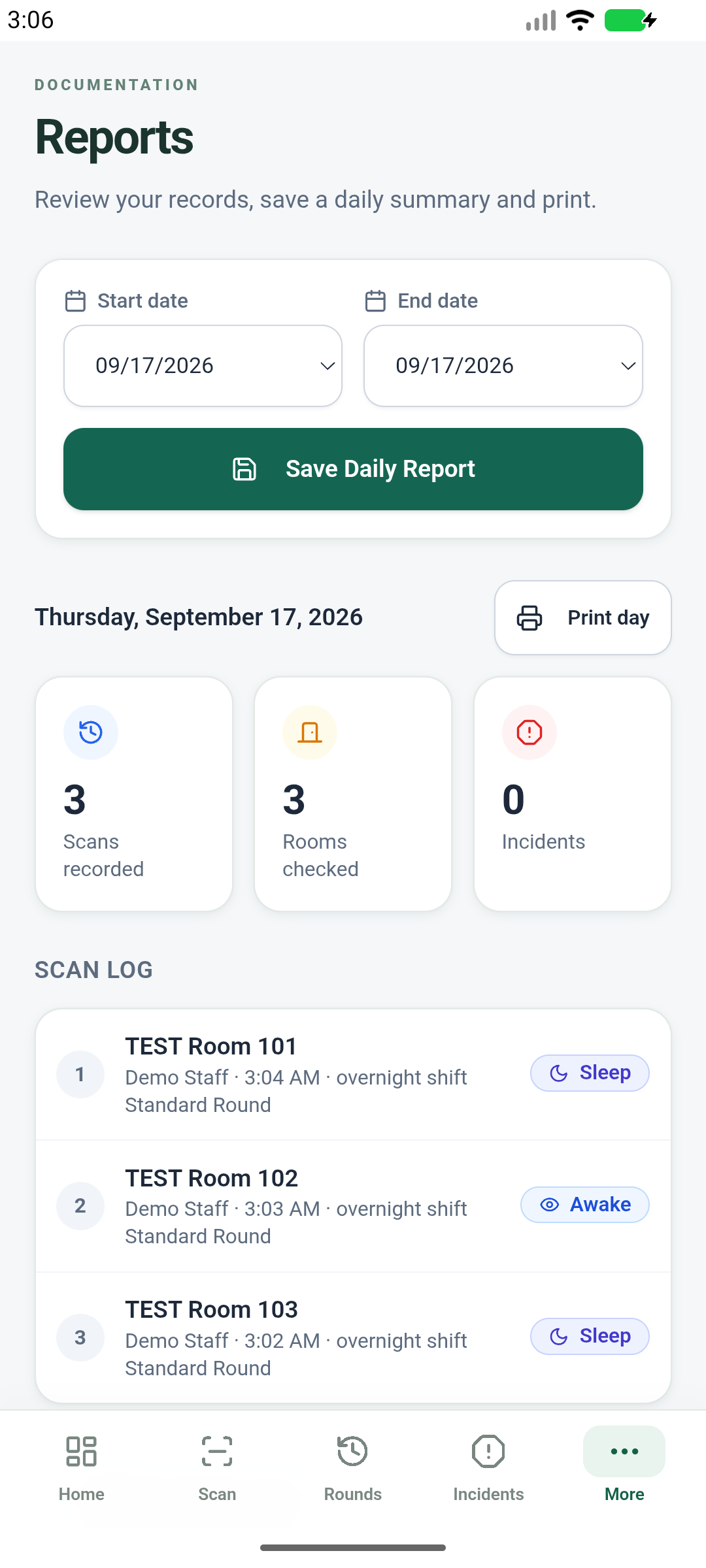
Review round history and incident details, and prepare printable reports for handovers and facility review. Keep the record of what staff entered available for follow-up.
Reports reflect documented entries; they do not independently verify supervision or certify compliance.
A WORKFLOW YOUR FACILITY CONTROLS
Rooms. Staff. Observations. One place.
Administrators organize the facility and staff access. Team members record resident observations and incident notes within that workspace.
Documenting an incident does not call emergency services or guarantee a supervisor has been notified. Use your facility’s response procedures and direct communication when action is needed.
PLAN YOUR ROLLOUT
Start with a clear setup plan.
Review the membership, identify your facility administrator, and confirm the rooms, staff, and devices you will use. Coordinate operational access and training before introducing SafeScan into a live care workflow.
Current availability: Android screenshots show test build v0.6.0 with fictional demonstration data. Android production distribution and operational setup are separate from billing. Do not use test builds with real resident or regulated health information.
Explore pricing and common questions →
Ready to bring your rounds together?
$99/month per facility. Unlimited staff. Eligible first subscriptions receive a 7-day trial. Card required; renews until canceled.
Review plan & start trial →