SafeScan
How it works · Pricing & FAQ
THE ROOM-CHECK APP FOR RESIDENTIAL CARE
Bring every round
into focus.
Room checks. Resident observations. Incident notes. Give your team one clear place to document the work—and a better starting point for every handover.
Explore the app →
Already a member? Staff sign in
ONE FACILITY. YOUR WHOLE TEAM.
$99
USD / month / facility
Unlimited staff. Eligible first subscription: 7 days free.
✓ Unlimited staff accounts
✓ QR and NFC room checks
✓ Resident status and incident records
✓ Round history and printable reports
Card required. Renews at $99/month after an eligible trial until canceled. Returning facilities may be billed immediately.
Billing & cancellation details →
SEE SAFESCAN IN ACTION
See the shift. Scan the room.
Keep the record.
A familiar workflow, brought together on a phone. Preview the dashboard, room scanning, and reporting screens below.
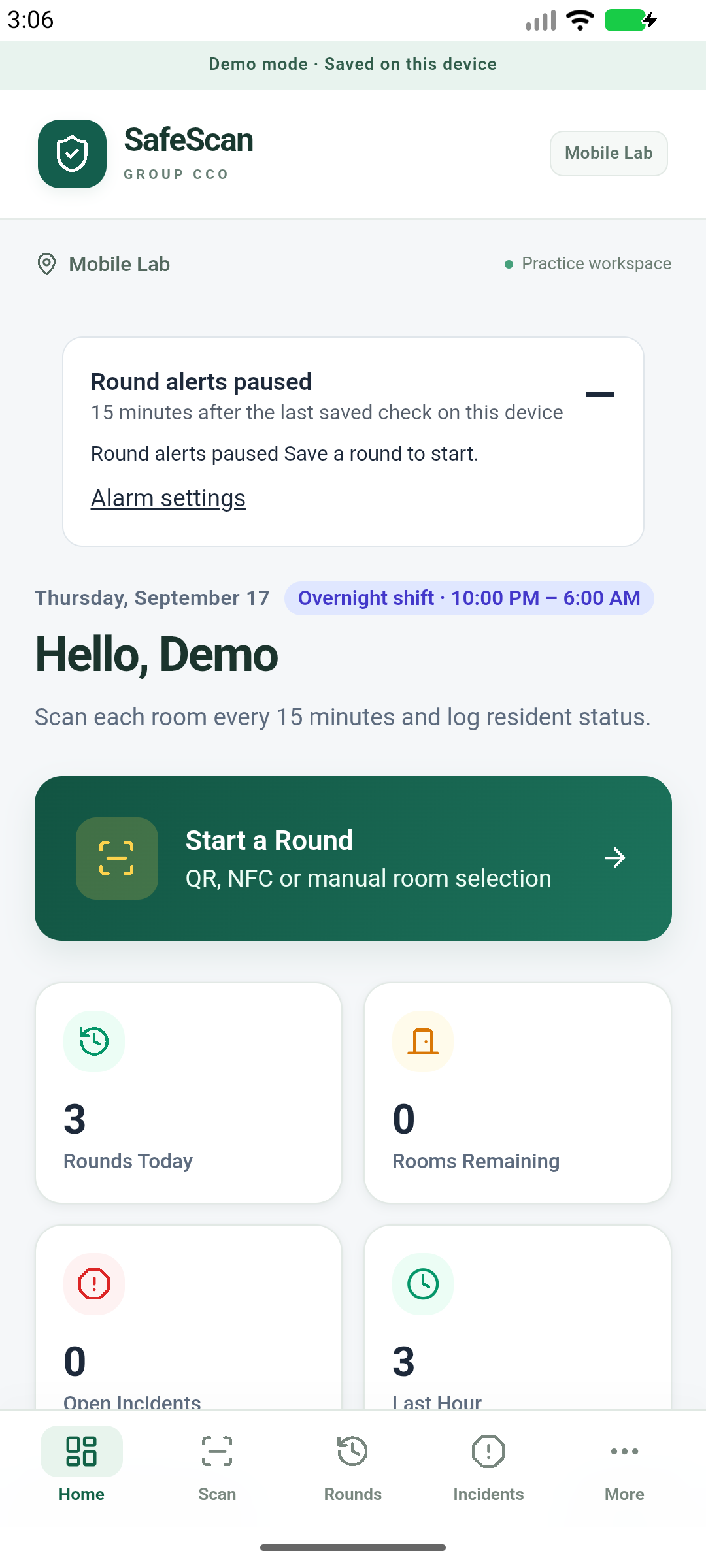
Your shift at a glance
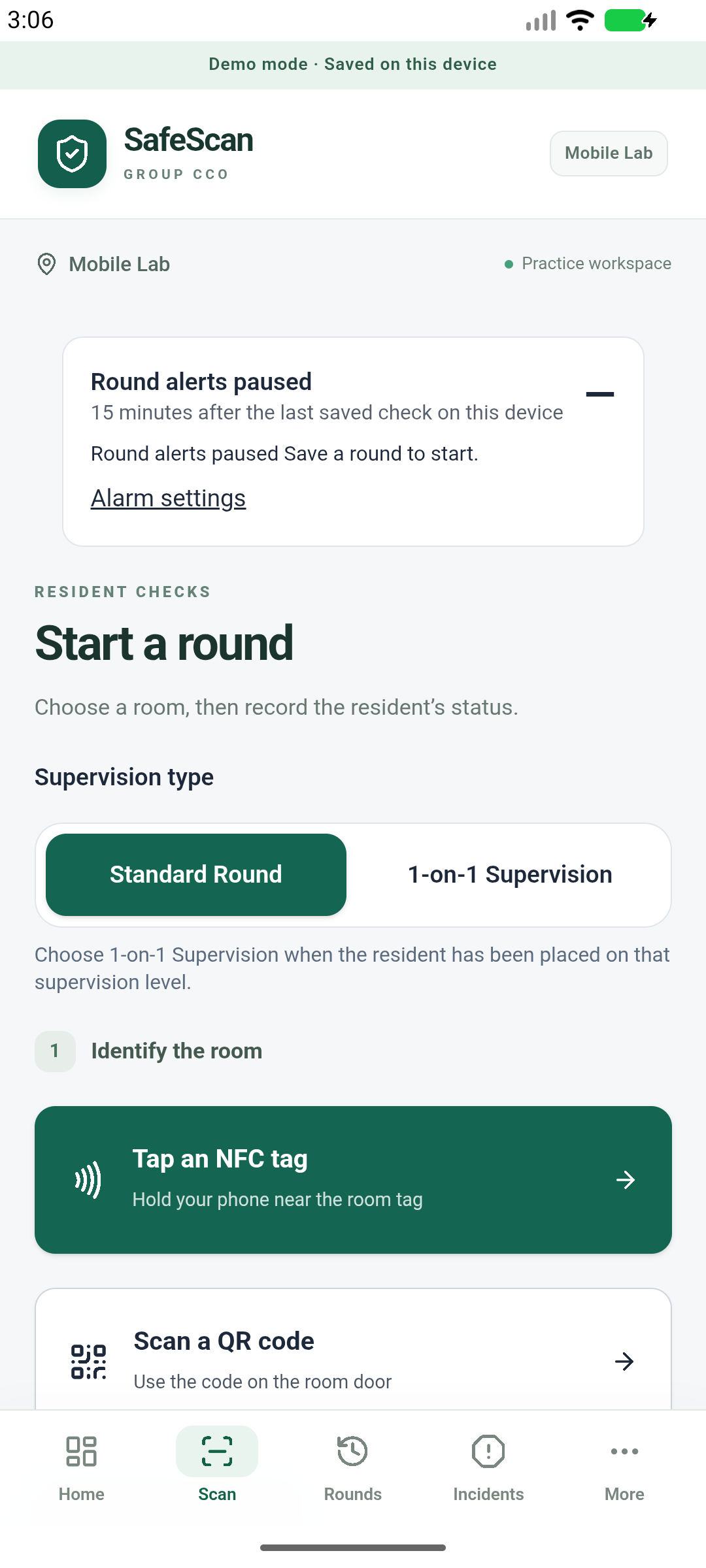
Start with a scan
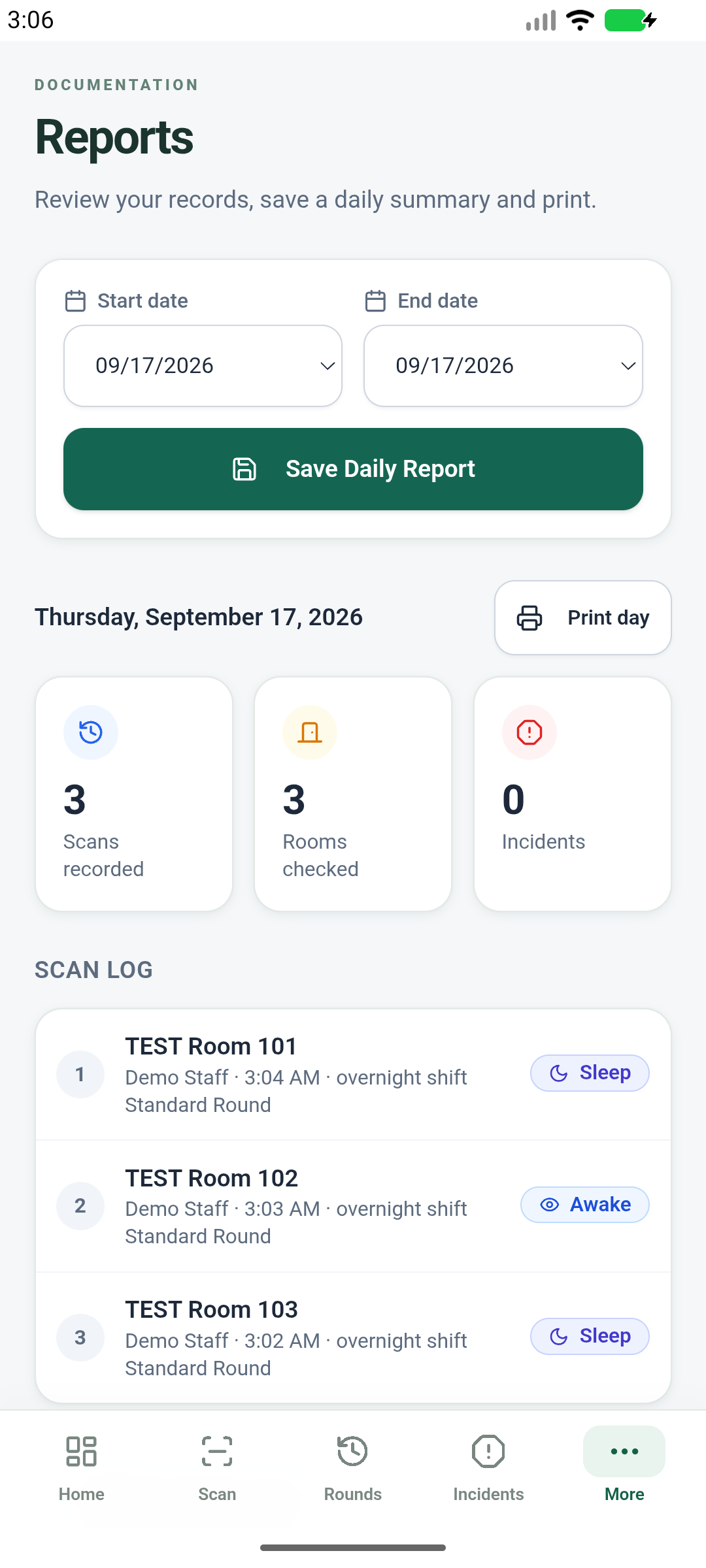
Keep a clear record
Actual Android test-build screens (v0.6.0), shown with fictional demo data. Tap any screen to view it full size.
SAFETY. ACCOUNTABILITY. CARE.
Built around the work
care teams do every day.
From the first room check to the next handover, SafeScan helps teams keep observations and incident details together. Take the product tour →
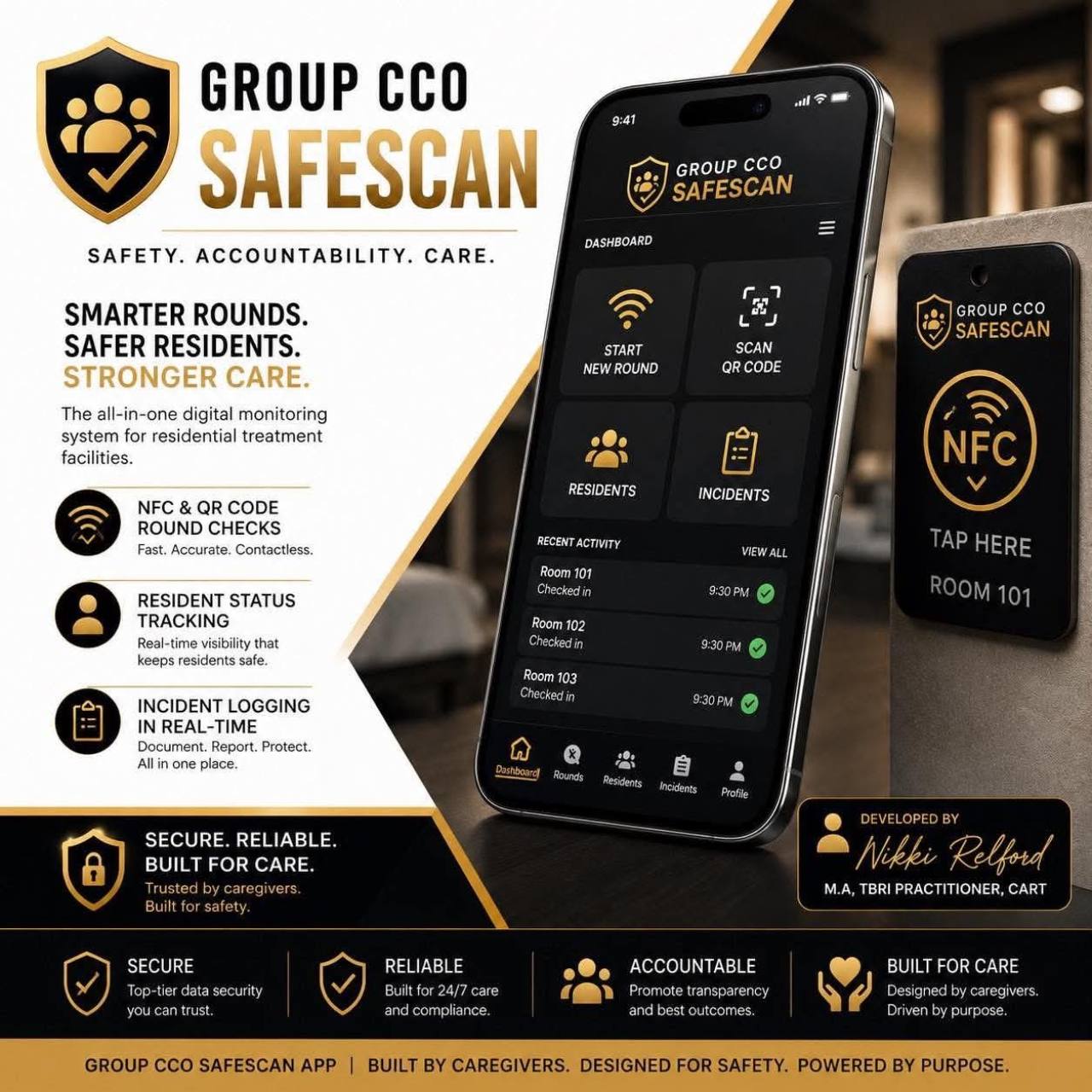
SafeScan brand illustration. Actual app screens are shown above.
LESS ADMIN. MORE CLARITY.
Less searching.
More clarity between shifts.
Replace scattered notes with a shared documentation workflow for your facility.
01 / ROOM CHECKS
Make room checks straightforward.
Identify the room with a QR code or compatible NFC tag. Record the observation while the details are fresh.
02 / INCIDENT NOTES
Keep the important context.
Document incident details and follow-up notes in the same workspace as your rounds. Staff still follow the facility’s reporting and response procedures.
03 / REPORTING
Bring clearer records to handover.
Find round history and incident details, then prepare printable reports for managers and facility review.
A SIMPLE START
A clear path from signup to setup.
01
Choose your facility
Review the plan, then sign in or create your facility administrator account.
02
Confirm your membership
Review your facility and billing terms. Complete secure Stripe checkout; eligible first subscriptions receive a 7-day trial.
03
Plan your rollout
Coordinate rooms, staff access, compatible devices, and app availability with your SafeScan administrator. Android is currently a test build; billing does not automatically complete operational setup.
BEFORE YOU GET STARTED
A few helpful
answers.
Who is SafeScan for?
SafeScan is designed for residential care and treatment facilities whose staff carry out room checks and document resident observations.
Do we pay for each staff member?
No per-staff fee. The current plan is $99 USD per month per facility, with unlimited staff accounts. Each additional facility has a separate subscription. See plan details →
What do we need for scanning?
QR scanning uses a device camera. NFC scanning requires a compatible device and configured room tags.
How does the trial work?
Eligible first subscriptions begin with a 7-day trial, then automatically renew at $99/month per facility until canceled. A card is required. Returning facilities may be billed immediately. Stripe displays the final terms before you subscribe.
Give your next shift
a clearer starting point.
One facility. Unlimited staff. $99/month.
Review your plan and start an eligible 7-day trial.
© 2026 A 2 Dream LLC, doing business as Group CCO.
Home · How it works · Pricing & FAQ · Staff sign in
Billing & cancellation · Terms & safety notices
SafeScan supports staff documentation. It does not replace supervision, facility procedures, professional advice, or emergency response. Android previews show a test build; operational setup is separate from billing.